
Cursor tracks usage against your plan per billing cycle. The numbers exist — they are just buried. Three ways to see them:
Connect it, step by step
Step 1 · Install Agent Island
macOS — Homebrew, or grab the DMG from the latest release:
brew install tristan666666/tap/agentislandStep 2 · Make sure Cursor is signed in
An installed, signed-in Cursor is enough — Agent Island reads the session Cursor already stores locally. No extra sign-in.
Step 3 · Check Providers
Open Settings → Providers. A provider with no detected local sign-in gets no slot and no row; one you hid earlier is re-enabled here. Five data sources can be on while the island keeps two focused top-bar slots.
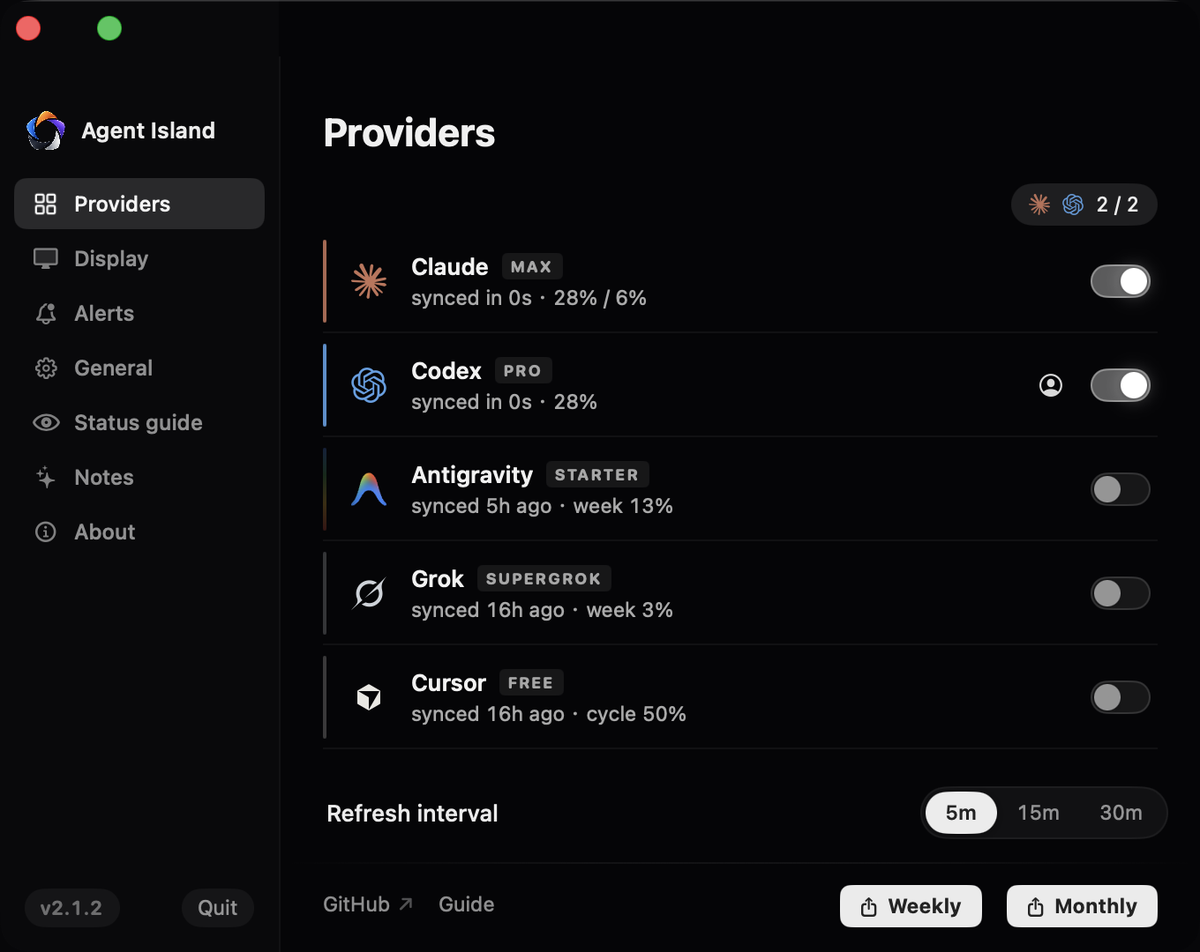
Step 4 · Read it on the island
Cursor shows the billing-cycle percentage, plan tier (Free through Team), and a cycle-end countdown. Since 2.1.2 it also carries live session state and your-turn alarms driven by Cursor’s own completion signal.

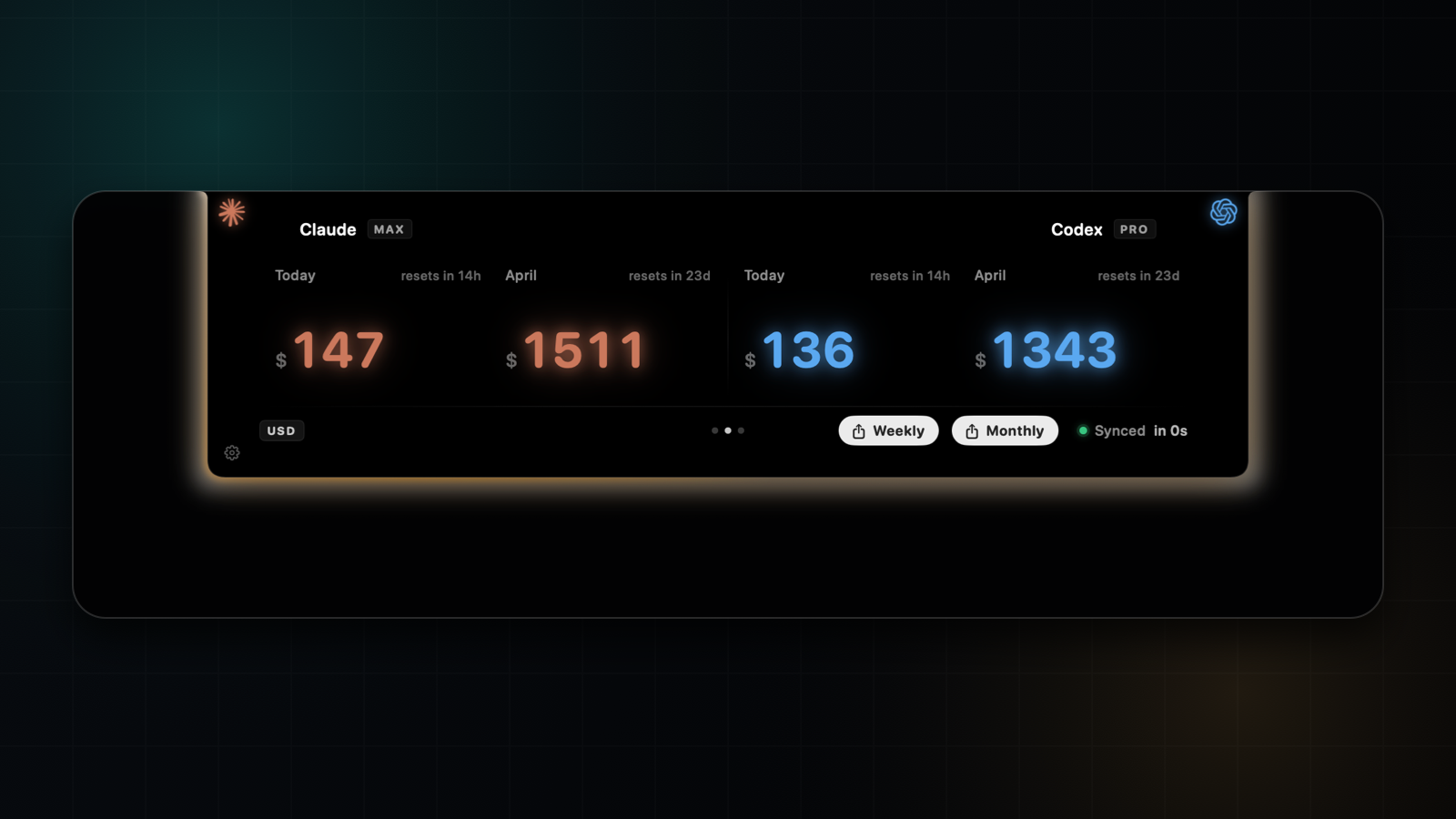
Step 5 · Verify with one real run
Open the expanded panel: the Cursor tile shows your plan badge and the cycle percentage. Run one Cursor task and the session state follows.
If it does not work
Cursor has to be installed and signed in on this machine; the row appears once the local session exists.
The dashboard is authoritative for billing. The island reads the same login and shows the cycle number it reports — check the sync age first.
1. Inside Cursor
Cursor Settings → Manage Subscription shows your plan, and the usage meter appears in the account area. Accurate, but it is a settings drawer you have to open on purpose.
2. The Cursor dashboard
cursor.com/dashboard is authoritative for plan, billing, and usage this cycle. Same caveat: it is a browser tab, not ambient.
FAQ
Does Agent Island need my Cursor password?
No. It reads the session your Cursor app already stores locally, the same way Cursor's own UI does.
Which Cursor plans are supported?
Free, Pro, Pro+, Ultra, Business, and Team logins all report a billing-cycle percentage and plan badge.
Does it show Cursor session activity?
Yes. Since 2.1.2 Cursor has live session state and your-turn alarms driven by its own completion signal, alongside billing-cycle usage and plan.
Agent Island is open source (MIT). See the changelog, the comparison hub, or the product FAQ.